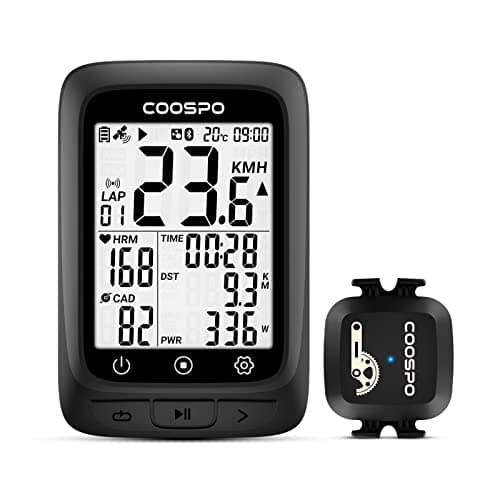
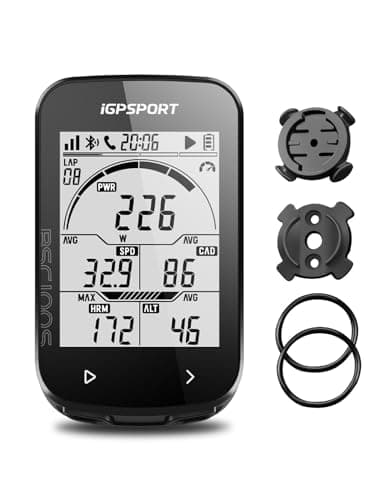
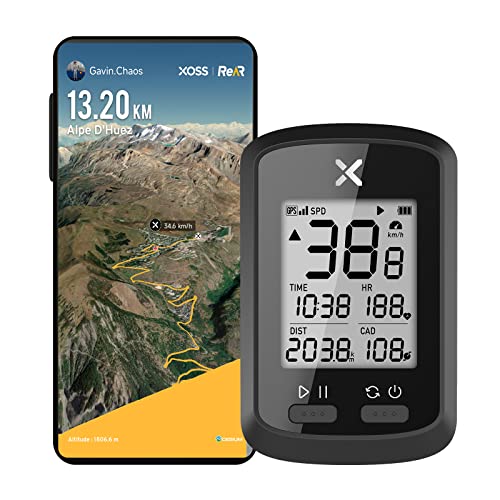
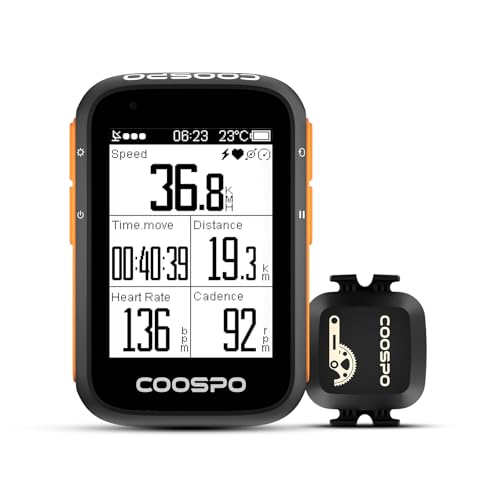
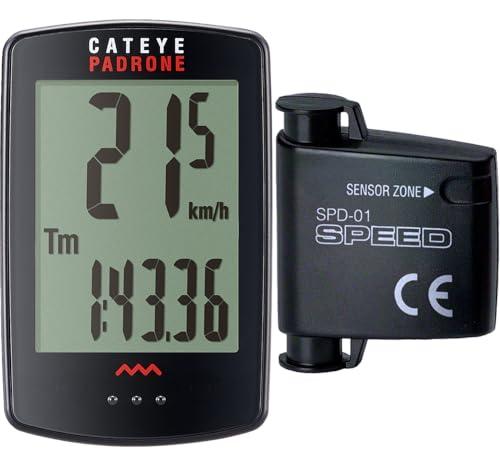
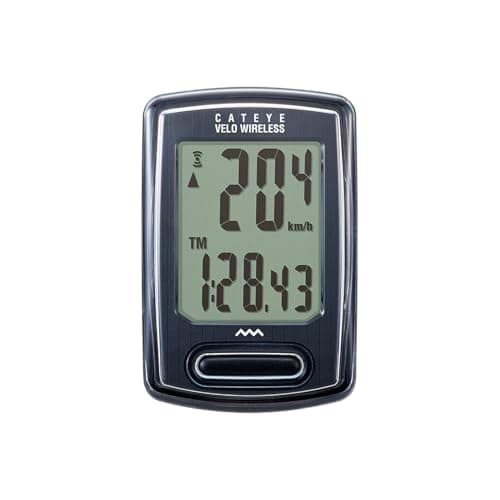
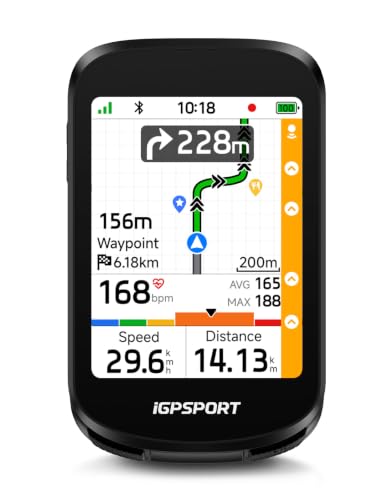
The most-searched budget in this category is the one on this page, and it buys more than most riders expect. Under $100you can have GPS, both wireless protocols, a 40-hour battery, a bundled cadence sensor, or turn-by-turn navigation with voice guidance. What you cannot have is all of them at once — and, more surprisingly, two of the seven units under the cap have no GPS at all and cost more than two that do.
So this page ranks on the three published facts that decide whether a cheap head unit does your job: does the listing publish GPS, a battery figure and a wireless protocol?All three are printed by the seller. None is our measurement — we have not mounted or ridden any of these.
The split that matters more than the price: GPS or a wheel magnet
Two different machines are sold in this band under the same word. A GPS computer gets your speed and your route from satellites, records a track you can upload, and needs charging. A wheel-sensor computer counts magnet passes, needs a correct wheel-circumference setting, runs for a year on a coin cell, and knows nothing about where you went.
Both are legitimate. The problem is that the listings do not sort them by price: the two non-GPS computers here are more expensive than the two cheapest GPS units. If you assume that spending more in this band buys more capability, you will buy the wrong machine. The table below sorts the whole field by live price so the inversion is visible rather than described.
The audit: what seven listings publish
- GPS: five of seven. The two that do not publish it are both CatEyes, and both say plainly that they are wireless wheel computers rather than implying otherwise.
- A battery figure: two of seven— 40 hours and 25 hours. Worth sitting with: no head unit in this catalog above the cap publishes one at all.
- A named wireless protocol: four of seven.Three of those four name ANT+ (or “ANT”), which is the radio a heart rate strap or a cadence sensor usually speaks. One names Bluetooth only.
- An IP rating: zero of seven.Three say “waterproof” as an adjective, which is the identical pattern our heart rate monitor roundup found, where five of fourteen publish a code and three publish only the word.
- Navigation: one of seven, and it also publishes rerouting and voice guidance.
What the money above the cap is actually for
It is not for specification, at least not as published. The four head units above this line in our catalog — two Garmin Edges, a Wahoo and a Garmin Explore — publish, between them, that they have maps. No battery figure, no radio list, no screen specification. Our main computer roundup is built around exactly that finding: the cheap brands publish more than the expensive ones.
What the premium genuinely buys, as far as anyone can verify from outside, is the ecosystem: a map you can scroll and search, a platform that has survived a decade of firmware, sensor pairing nobody has to think about, and a resale value. Whether that is worth three to six times the price of the best unit here is a question only your riding answers — Garmin versus Wahoo covers the two ecosystems, and Edge 540 versus 1040 covers the model-level decision inside one of them.
Your phone is the other option in this band, and it is not free
At these prices, the honest competitor to a cheap head unit is the phone already on your handlebar. It has a better screen, a real map and no extra purchase — and it burns battery you may need, it hates rain, and it is the single most expensive thing on the bike to drop. Bike computer versus phone works through that trade, and the phone mount roundup ranks the brackets on published retention systems if the phone wins.
What this page cannot tell you
We have not mounted, ridden, charged or drowned any of these. Three of the seven read their specifications through this site’s reuse layer from the main roundup, on the date that page records, so the two pages cannot drift apart; the other four had their listings read on 16 November 2026, the day they were resolved through the Amazon Creators API.
Nobody publishes the two figures that would settle the category: real GPS accuracy, and how long the screen stays readable in direct sun. Treat a published battery figure as a best case and a published “waterproof” as a word.
Decide GPS or no GPS first; price is a bad proxy for it.If you want your rides to exist after you finish them — a route, an upload, a record — you need GPS, and the cheapest GPS unit in this band costs less than both non-GPS units in it.
Then check the radio against the sensors you own or want. A heart rate strap is the cheapest upgrade any of these units can take, and whether it will pair is decided by a word in the listing. Three units here name ANT+; one names Bluetooth only; three name nothing at all. Our heart rate monitor roundup ranks straps on exactly the same question from the other side.
Treat a published battery figure as the ceiling, not the average. Forty hours and twenty-five hours are the only two figures published in the whole catalog, and both are maker claims with no test conditions attached: no backlight state, no temperature, no sensor count. Cold and a lit screen both shorten them.
Budget for the mount, and check it fits your bar. Only the CatEye listings name their bracket. Out-front mounts, aero bars and oversized 35 mm bars are all places a generic rubber-band mount struggles, and a computer that rattles is a computer you stop using.
Buy the cheap one first if you are not sure. The gap between no computer and a thirty-dollar GPS is enormous; the gap between a thirty-dollar GPS and a five-hundred-dollar one is a map and an ecosystem. Start at the bottom of this page, ride with it for a season, and let the thing that annoys you choose the upgrade.